A friendly tour of the whole thing.
Curious what it’s actually like on the inside? Let’s walk through it together — screen by screen, in the order you’d use them. You’ll see how you build a menu, add your photos, design a display, and get it live on a TV. Spoiler: it’s simpler than you think, and you won’t need a designer or an agency for any of it. You’ve got this.
Meet Slate — your built-in assistant
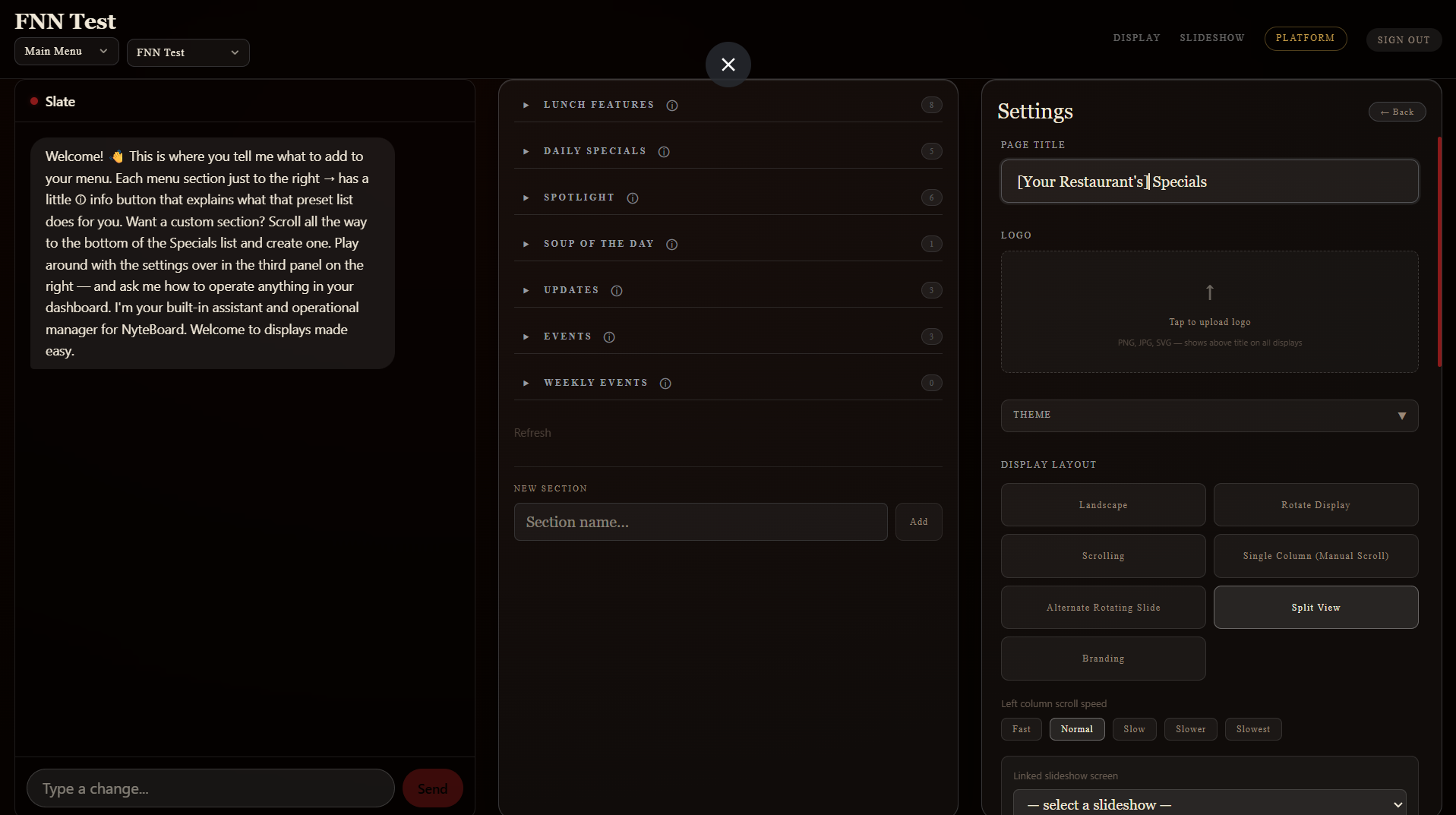
This is home base. Slate lives on the left and greets you the moment you log in — it’s your built-in assistant and operational manager. Just tell it, in plain English, what you want on your menu. In the middle you’ll see your menu sections; on the right, your settings — page title, logo, theme, and how the display is laid out. Everything you need is on one screen.
Menu sections that explain themselves
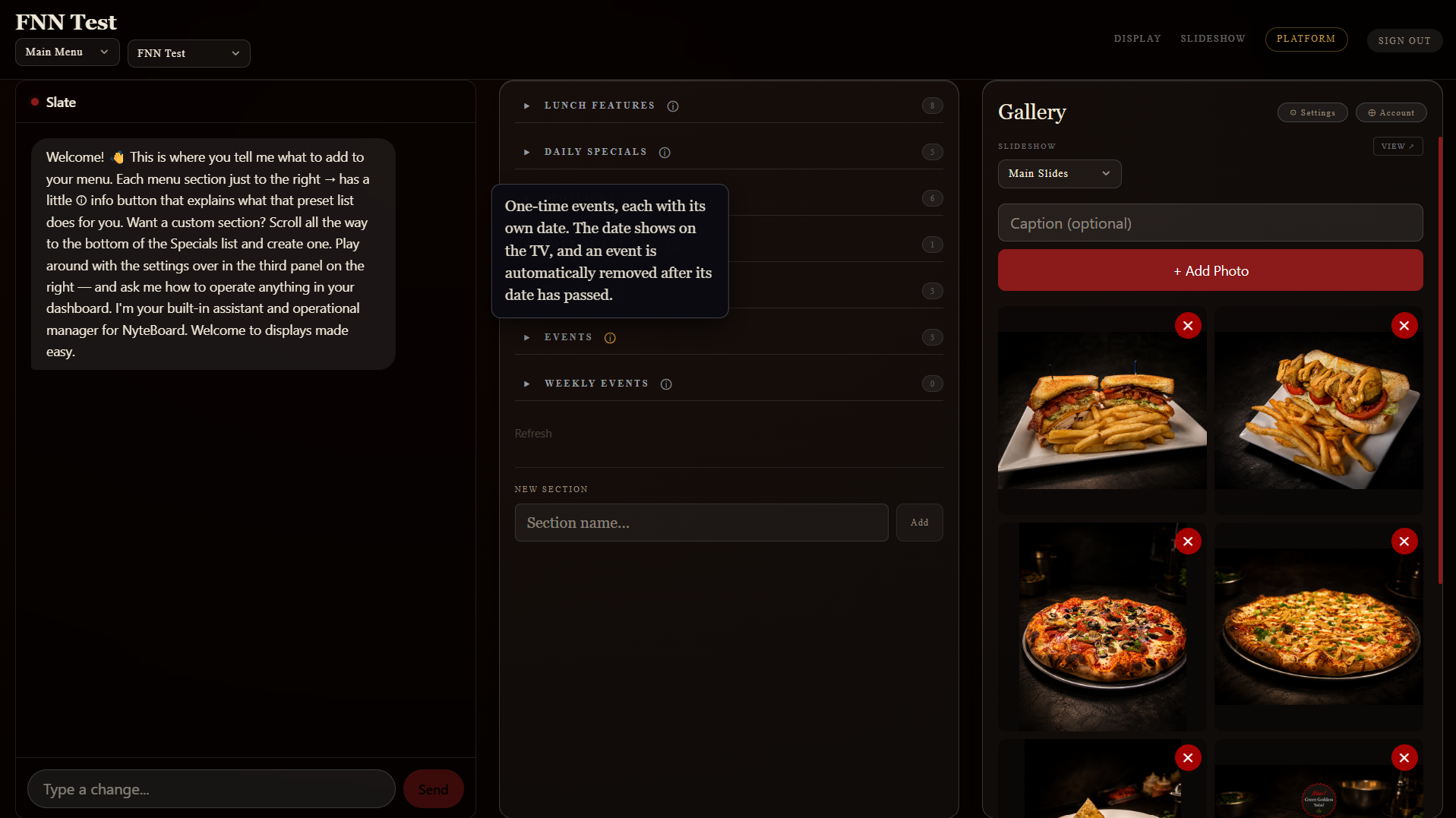
Your specials are organized into tidy sections — Lunch Features, Daily Specials, Spotlight, Events, and more. See that little “i” next to each one? Tap it and Slate tells you exactly what that section does for you. Want a section that isn’t there? Scroll to the bottom and add your own in seconds.
Add your photos to the gallery
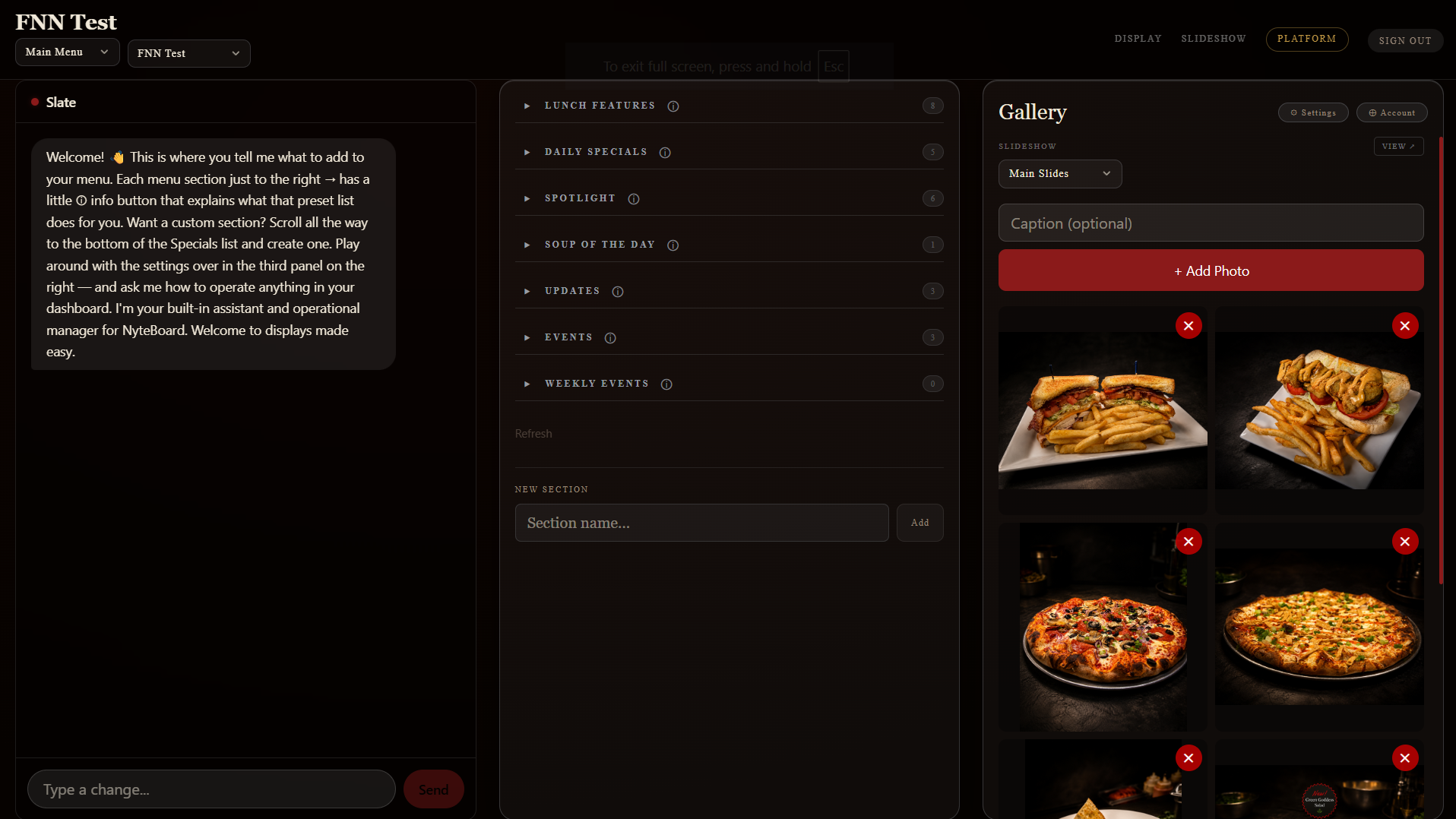
Great food deserves great photos. The gallery is where you upload the shots that rotate across your screens and slideshows. Add a photo, give it an optional caption, and it’s live. Those mouth-watering plates on the TV? This is where they come from.
Settings, happy hour & a QR code for guests
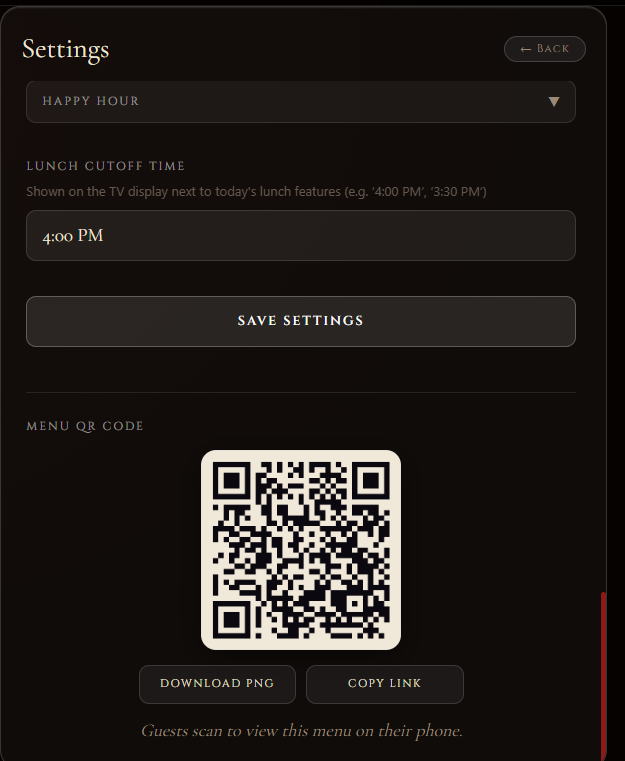
A few thoughtful settings make a big difference. Set your lunch cutoff time, flip happy hour on when the deals go live, and grab the QR code guests can scan to pull your menu right up on their phone. Print it, drop it on the tables, or link it from your website — done.
Point any screen at your board
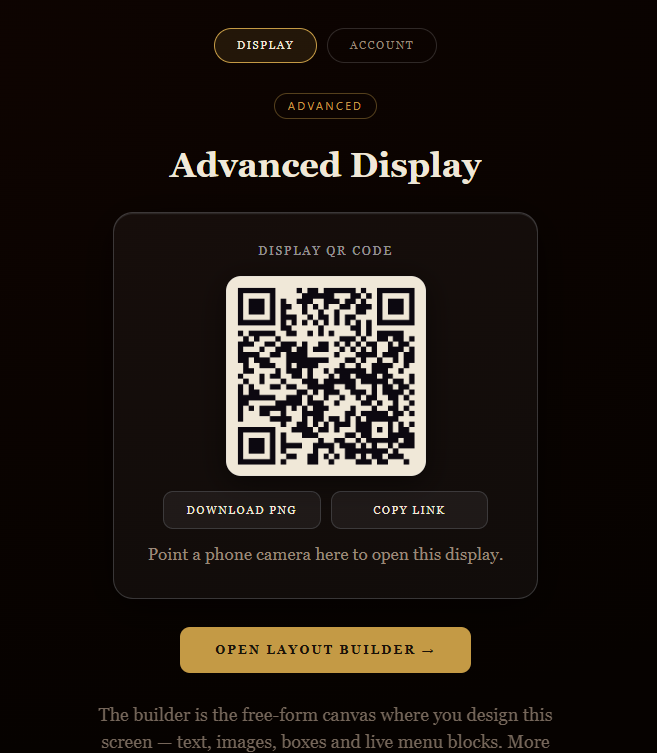
Ready to get on a TV? Each display gets its own QR code and link — point a phone camera at it, or paste the link into any smart TV or tablet, and your board is live. When you’re ready to get creative, “Open Layout Builder” takes you to the free-form design canvas.
Design it your way in the Layout Builder
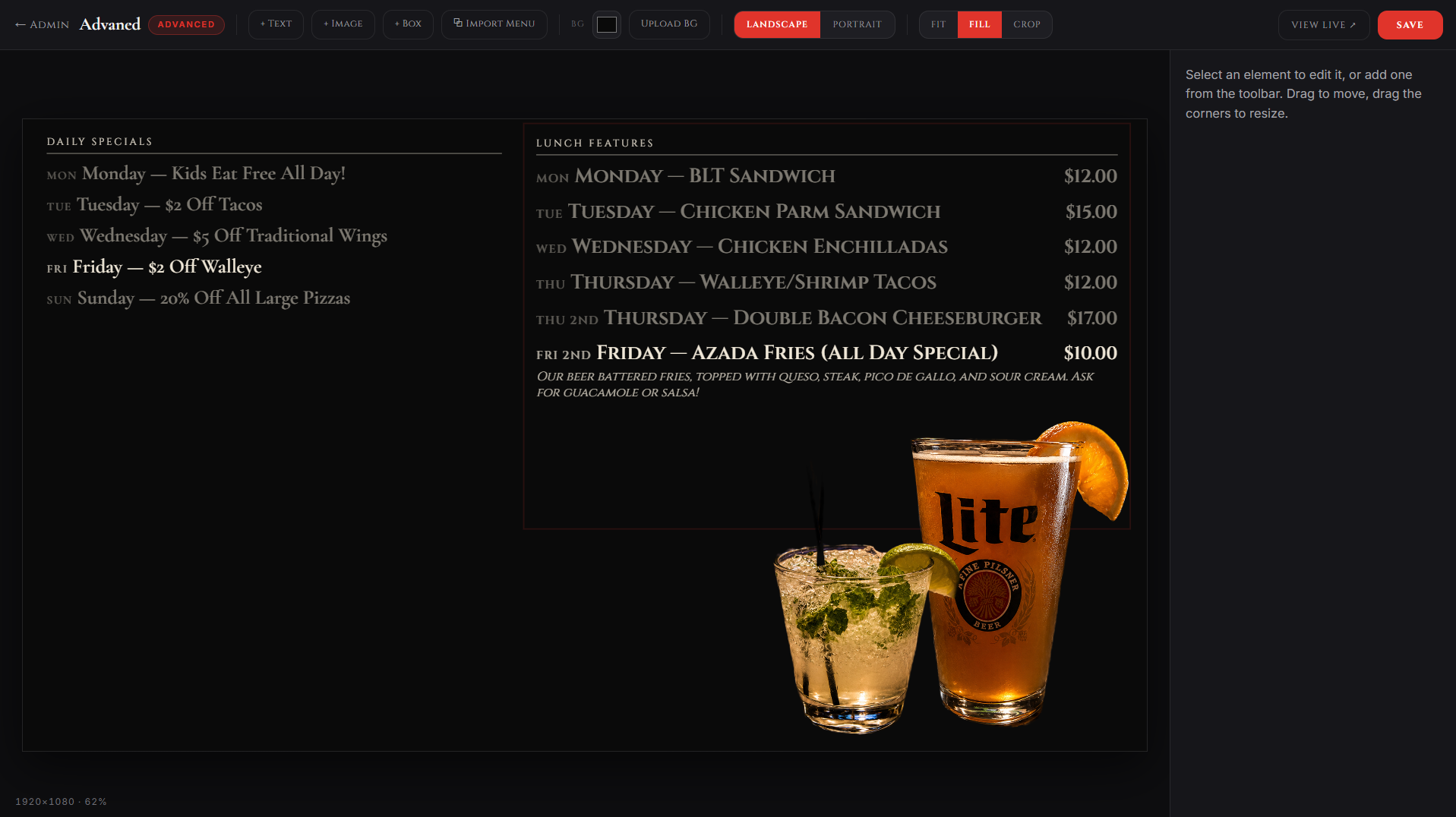
This is where you get that big-chain polish. Drop text, images, boxes, and live menu blocks anywhere on the canvas, choose landscape or portrait, and drag things exactly where you want them. It’s the same freedom a professional designer would give you — except it’s you, and it costs nothing extra.
And here’s the payoff — your live board
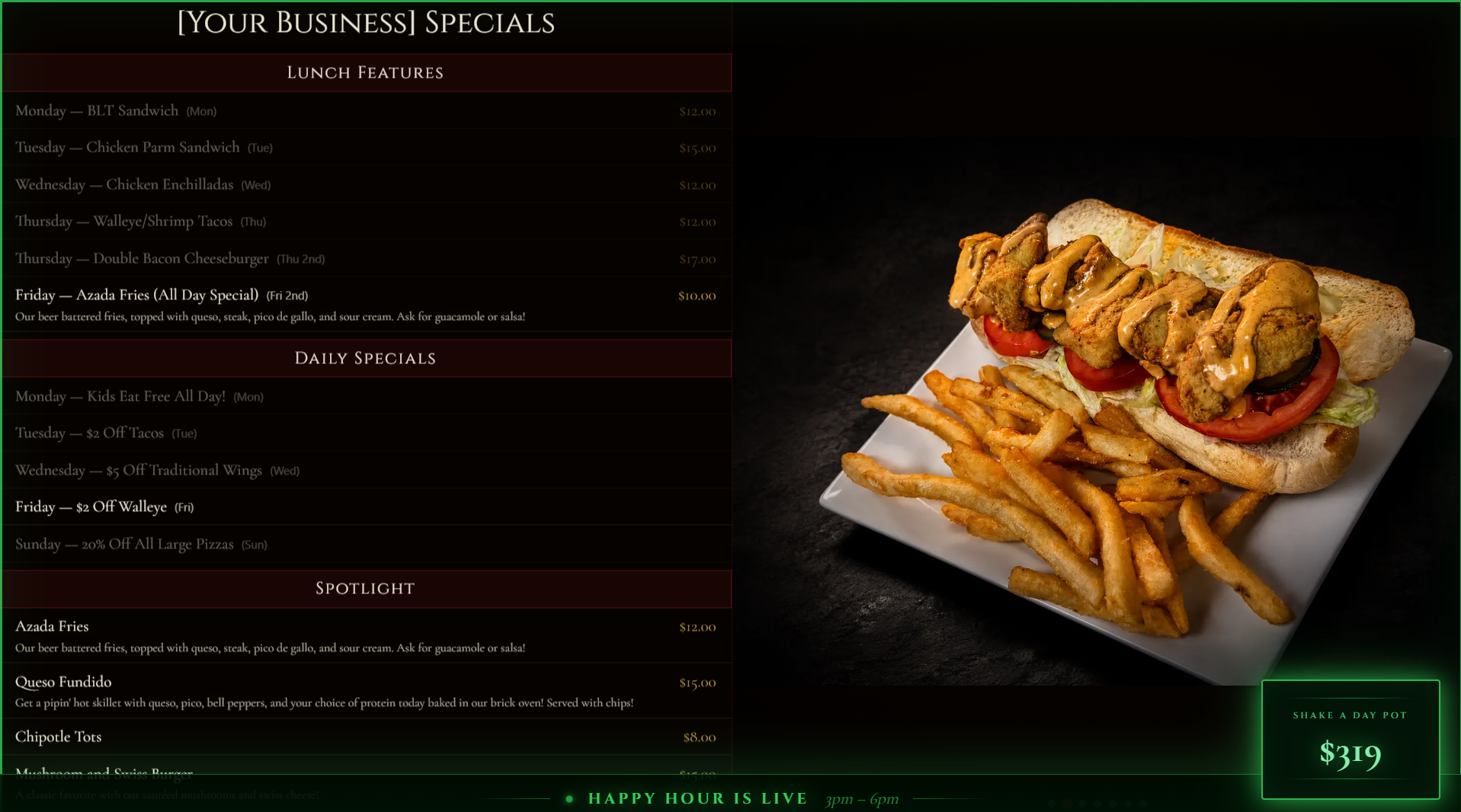
This is what all of it adds up to: a stunning, always-current display working the room for you. Your specials, your photos, your branding — plus a live happy-hour banner sweeping the bottom. It looks like a national chain spent a fortune on it. It didn’t. It was you, and it took minutes.
That’s the whole tour. No designer, no agency, no clunky software — just you, a few taps, and a board that makes your place look unforgettable.
Want this running in your restaurant?
Free onboarding and a 30-day free trial. We’ll set everything up with you — your brand, your menus, your screens. All you have to do is say the word.